Home › AI Shop › Handy programs › Batch Watermark Stamper — Add Watermark to Multiple Images at Once, Offline (Text + Logo)
🌐 한국어 · English · 日本語 · 简体中文 · Español · Français · Deutsch · Português · Tiếng Việt · Bahasa Indonesia · ไทย
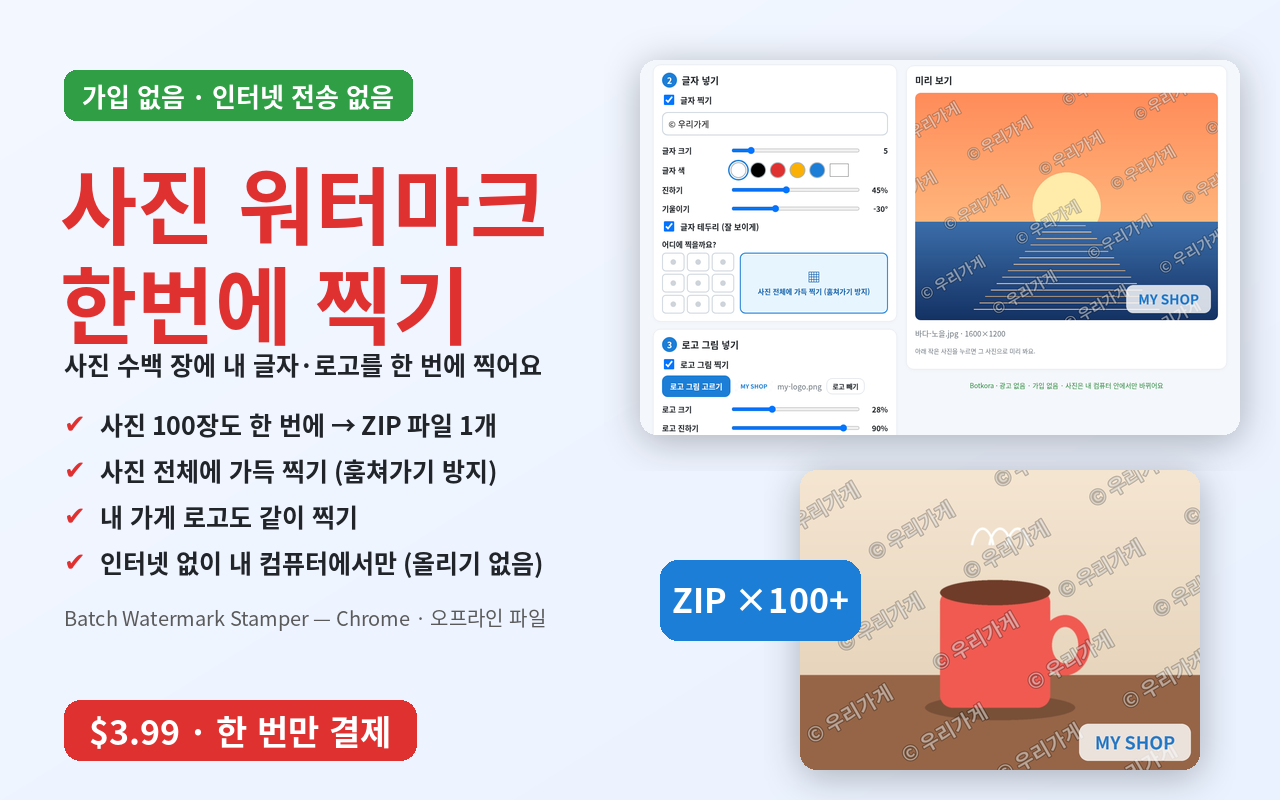
Batch Watermark Stamper — Add Watermark to Multiple Images at Once, Offline (Text + Logo)
📦 What's inside: 1 ZIP: ready-to-open tool + Chrome extension + PDF guide (for computers)
💡 You need this when…
Your text or logo on 100 photos → done at once, saved as 1 ZIP
Stamps your text or logo on many photos at once. Even 100 photos are done in one go.
📦 Files you get: 1 ZIP: ready-to-open tool + Chrome extension + PDF guide (for computers)
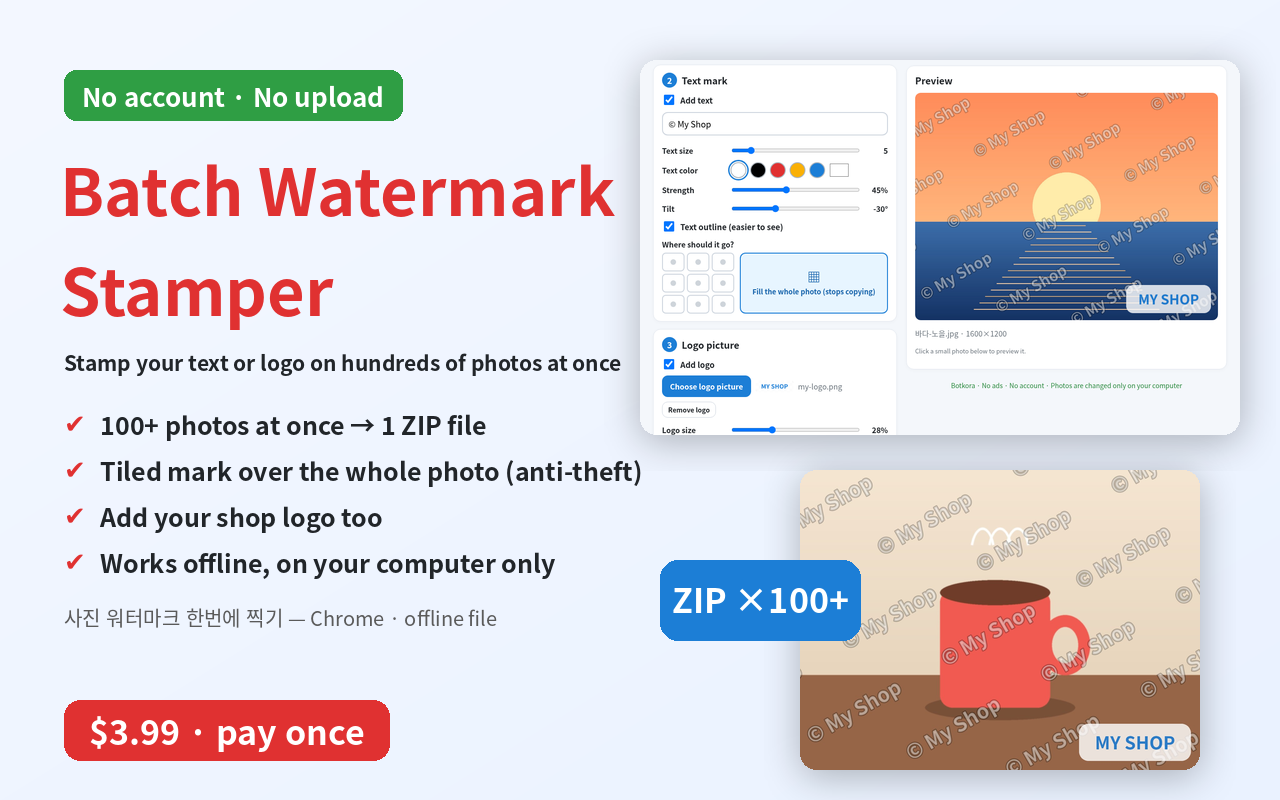
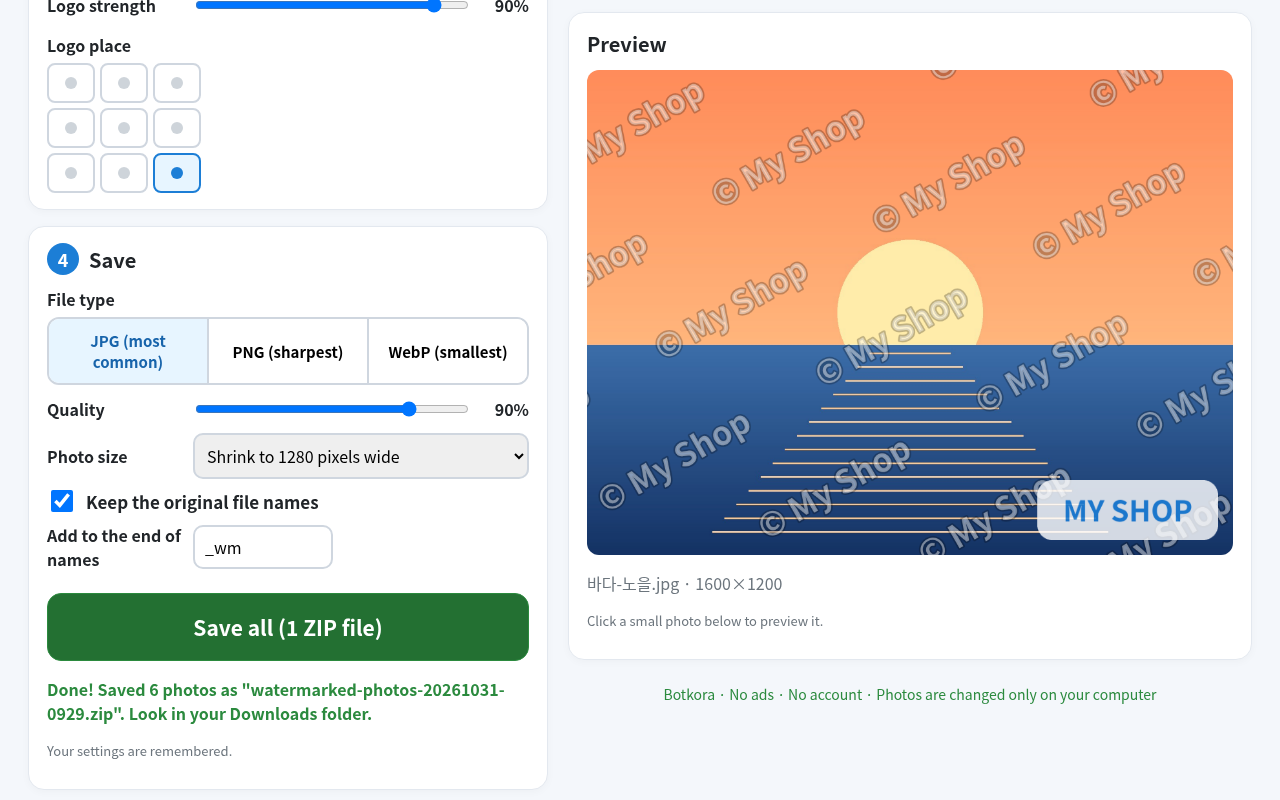
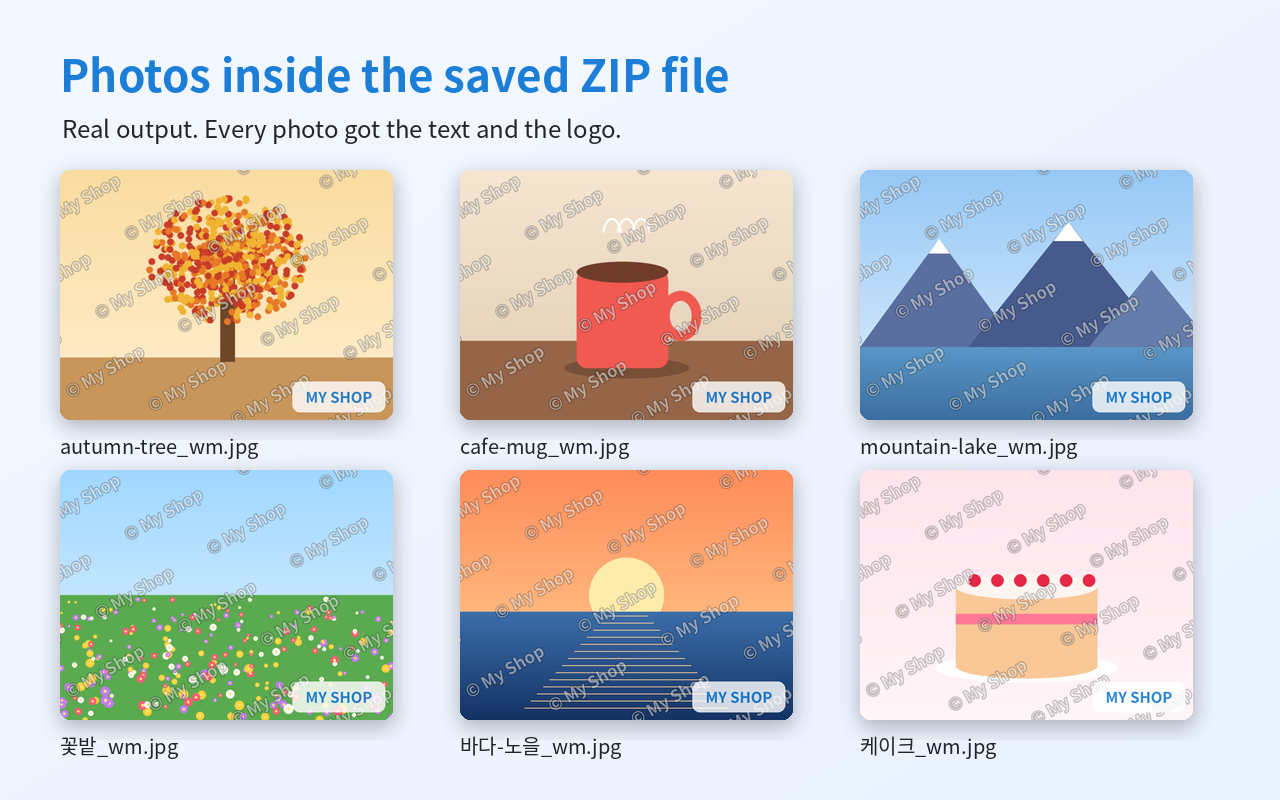
- Fill the whole photo with your text at a slant, so it is hard to crop out and steal.
- Your photos are never uploaded. They change only on your computer. No account, no ads.
$3.99 $2.79 (≈ ₩3,900)
⚡ Instant download · No shipping fee
Checkout name: Botkora · KZK · international card/PayPal · about ₩3,900
Buy nowFile won't open? Full refund within 7 days · Refund policy & help
🙋 Good for you if…
- People who post many product photos to shops or second-hand sites
- Bloggers and Instagram users tired of photo theft
- Small shop and guesthouse owners, photographers
- Anyone who doesn't want to upload photos to unknown websites
Real look
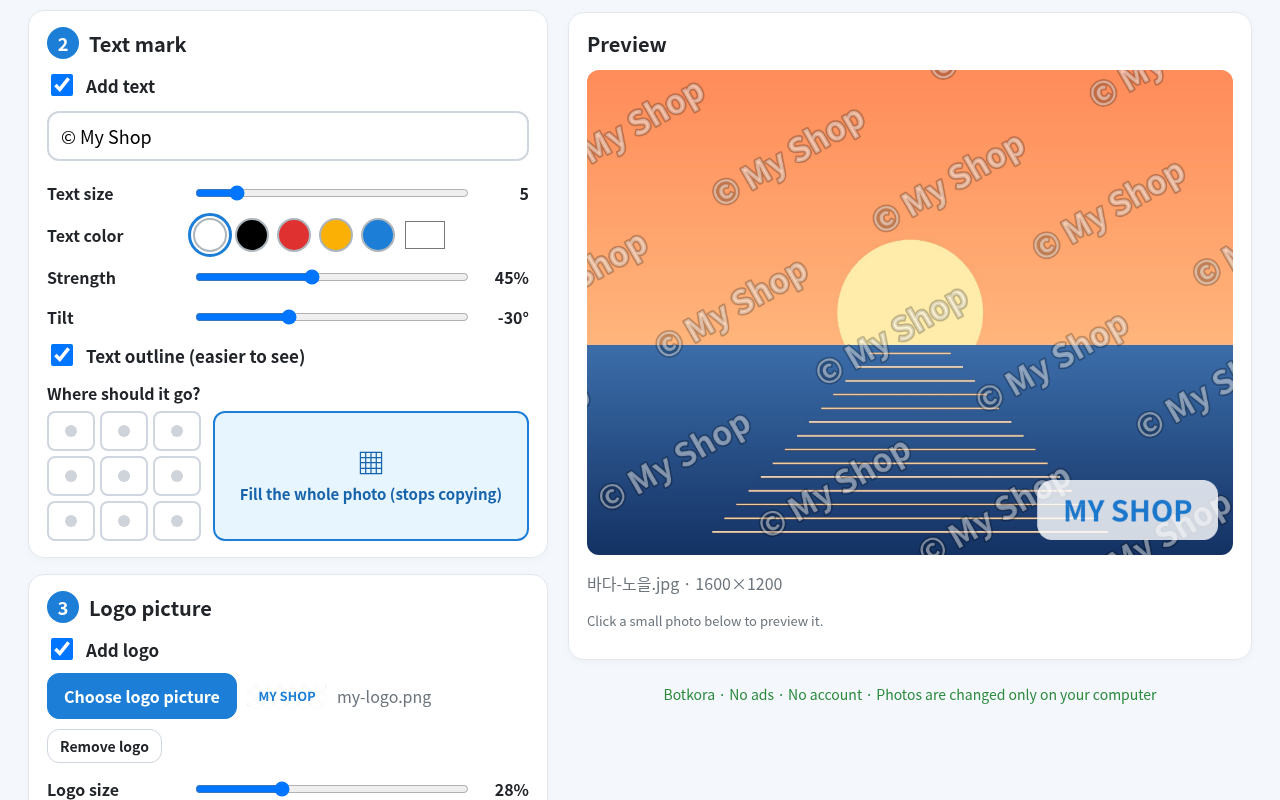
Real screenshot: your text across the whole photo at a slant, plus your shop logo. The preview on the right shows it right away.
Why it helps
You get
📄 1 tool you open with a double-click + the same tool as a Chrome extension (English/Korean screens) + easy guide (picture PDF)
How to use
- Unzip the file and double-click batch-watermark.html.
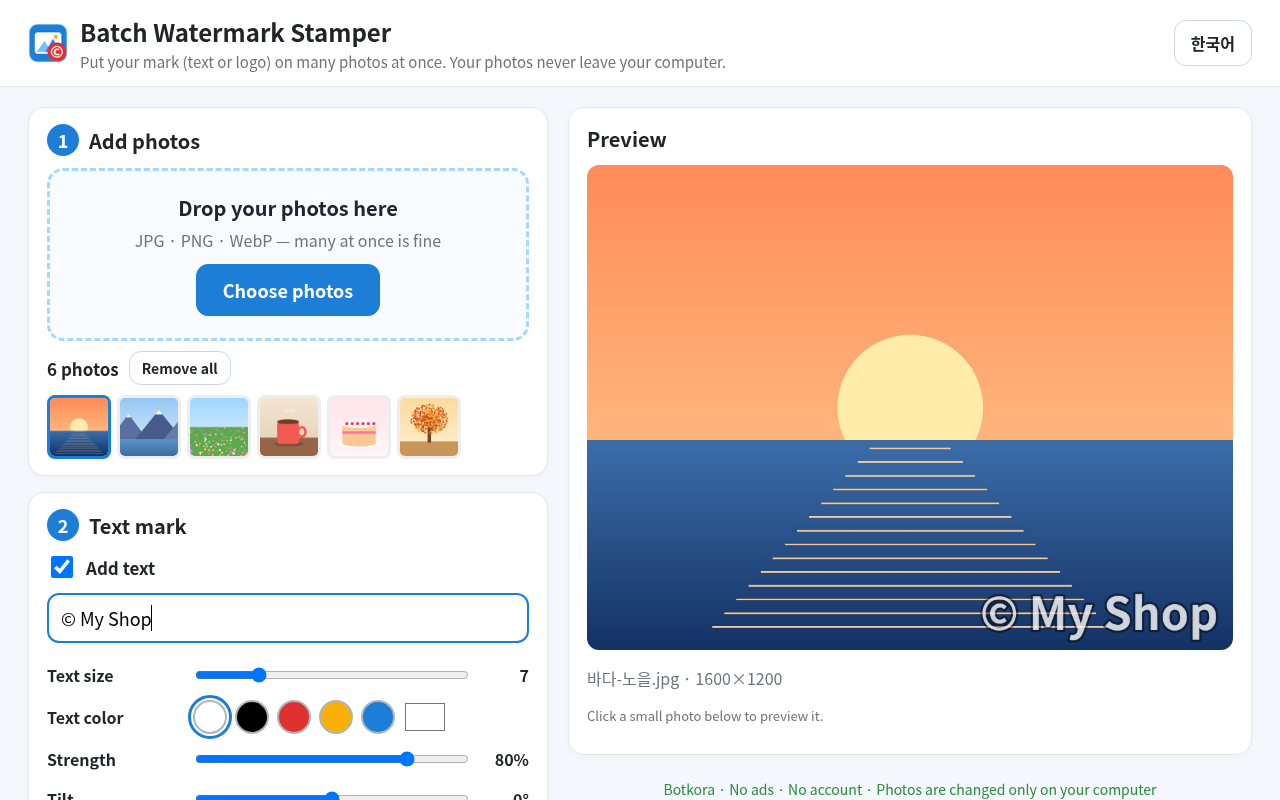
- Drop in your photos, then type your text or pick your logo.
- Press "Save all" and get 1 ZIP file in your Downloads folder.
Good for
🙋 People who post many product photos to shops or second-hand sites, bloggers and Instagram users who want to protect photos, small shop and guesthouse owners
See it in pictures
Checkout name: Botkora · KZK · international card/PayPal · about ₩3,900
Buy now —File won't open? Full refund within 7 days · Refund policy & help
🏷️ 30% off automatically at checkout (Launch30), until Nov 4, 11:59 PM KST
FAQ
How do I get my file after paying?
A download page opens right after payment. The same download link is also sent to the email you entered at checkout. Nothing is shipped and there is no shipping fee.
I didn't get the email.
Check your spam or promotions folder, and make sure the email you entered at checkout is correct.
How do I download again?
Open the download link in your email again. If you lost the email, contact us through the Payhip store page below.
Which payment methods work?
Payhip handles payment. Usually you can pay by credit/debit card or PayPal; the exact options are shown on the checkout screen. Prices are in US dollars (USD).
Related products
- Shrink many photos at once — This makes many photos smaller and changes them all at once.
- PDF Merge & Split (no upload) — This puts many PDFs into one, or takes out only the pages you need.
- Tab Saver & Organizer — Save All Chrome Tabs in One Click, Restore Later — For when Chrome has too many tabs. One click saves all open tabs and closes them.
More: Handy programs → · ❓ Help center · ← Back to the AI Shop
For experts: 사진 워터마크 넣기 · 워터마크 한번에 · 사진 여러장 워터마크 · 사진 로고 넣기 · 일괄 워터마크 · batch watermark · add watermark to multiple images offline · watermark photos in bulk · Manifest V3 · permission storage only · CSP connect-src 'none' (no network) · Canvas · store-only ZIP · JPG/PNG/WebP · EXIF removed
❓ Help / Contact us